ep 05 field notes
Show Us Your Agent Skills / EP 05 / guest dossier
MATT PALMER CONDUCTOR MCUT NIX HOME MANAGER PRIVATE SKILLS

MATT PALMER

Matt has an agent working on video production with him: finding moments in transcripts, generating Remotion overlays, and reading a browser video timeline through MCut. He keeps the rest of his personal software just as close. A laptop setup becomes code he can rebuild. Conductor keeps each project open in its own branch. Private skills travel with the project instead of flooding every prompt.

EP 05 · MATT PALMER · personal tools, video timelines, and private skills, live on stream

"As someone that loves to build things, now I can just be building things all the time."

The first version is cheap. The repair path stays close. A tool can keep earning its place after the first weekend build. 00:36:08

PROJECTS THAT DON'T DIE

Matt keeps a workshop of small tools for himself: a dashboard that turns his walking videos into social clips, a Remotion project that makes overlay graphics, MCut as a browser video editor, a Chrome extension, a mobile app, and dotfiles that rebuild his Mac.

Agents make those tools cheap to start. They help him write the Nix setup, build the dashboard, wire up browser video libraries, and explore ideas that used to cost a whole weekend just to test.

Conductor keeps the tools repairable. Each personal tool lives as a project, and every serious agent session gets its own branch and folder. When a tool annoys him, the fix happens next to the tool, not in a forgotten chat from three weeks ago.

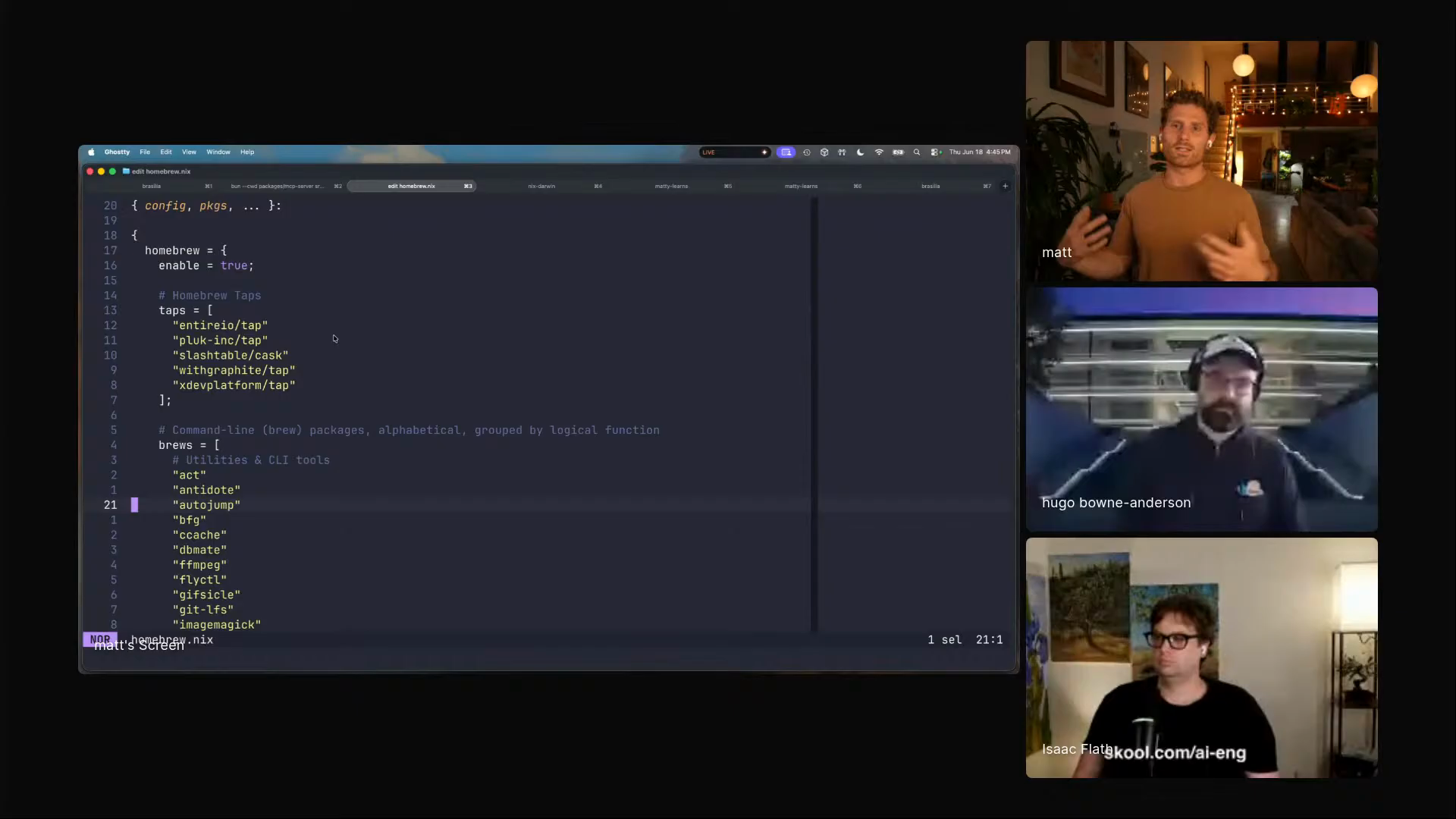
Matt Palmer showing his Nix Home Manager and nix-darwin setup for managing his Mac
Matt's laptop as code: Nix Home Manager, nix-darwin, packages, Homebrew entries, and system configuration in one rebuildable setup. [00:41:42]

"The process of continuous improvement and compounding means that your projects don't die."

Personal software stays alive when the code, branch, running app, and agent session remain close enough to change together. 00:49:04

KEEP IT OPEN, KEEP IT FIXABLE

how Matt keeps personal tools close enough to improve
Put the machine in codeUse agents to help write the Nix setup, then rebuild the laptop from dotfiles when the environment moves. 00:42:58
Keep tools as Conductor projectsHis everyday tools stay visible: social tools, overlays, Chrome extension, mobile app, and MCut. 00:39:29
Branch every agent sessionEach new workspace creates a Git worktree with its own folder and branch, so multiple agents can run without colliding. 00:46:57
Fix the tool while using itIf the dashboard breaks or needs a feature, the next agent chat is inside the same project, against the tool that failed. 00:49:41
Install skills only where neededPull private skills into the repo with skills.sh, instead of making every skill global context. 01:39:07
Push useful skills backA project skill that proves useful can be copied into the private skills hub and reused elsewhere. 01:39:22
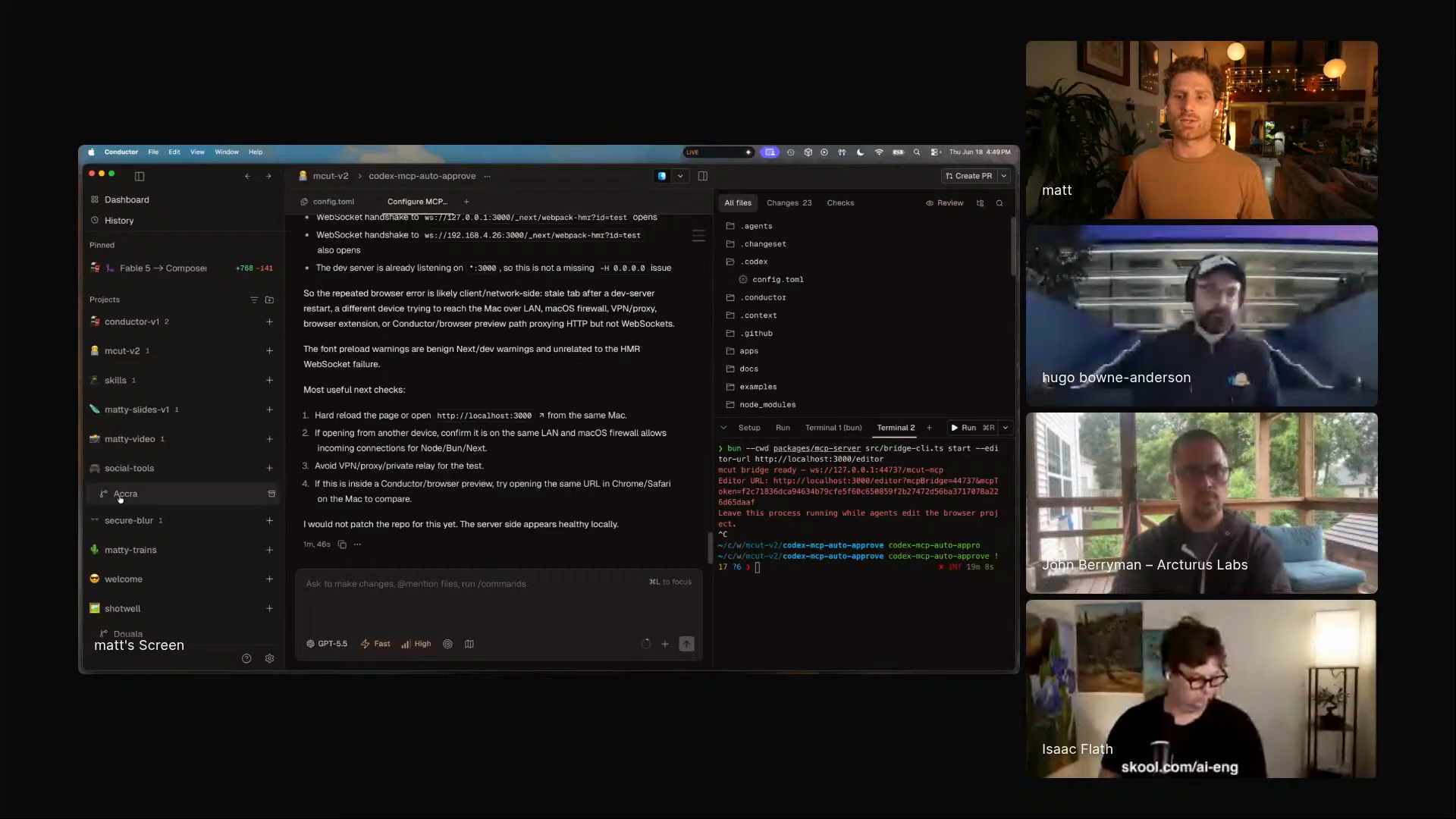
Conductor projects and workspaces showing isolated Git worktrees for agent sessions
Conductor is his agent home base: projects on the left, isolated workspaces inside them, and a worktree behind each serious session. [00:46:57]
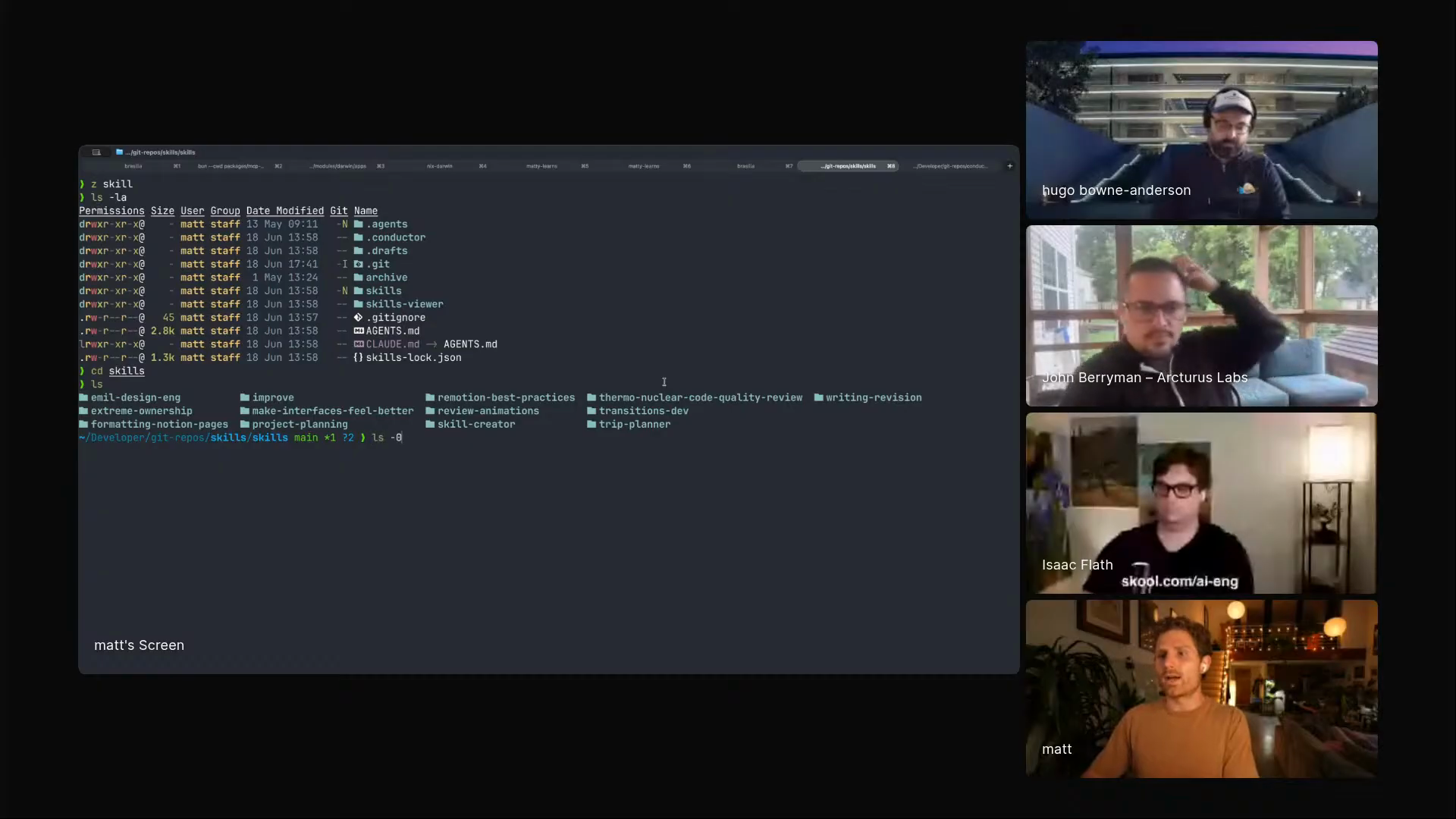
Matt Palmer showing his private skills repository and project-scoped skill installation workflow
The private skills repo: install into this project, avoid global context pollution, push useful project skills back into the hub. [01:38:45]

"This tool basically does all of the video processing in the browser."

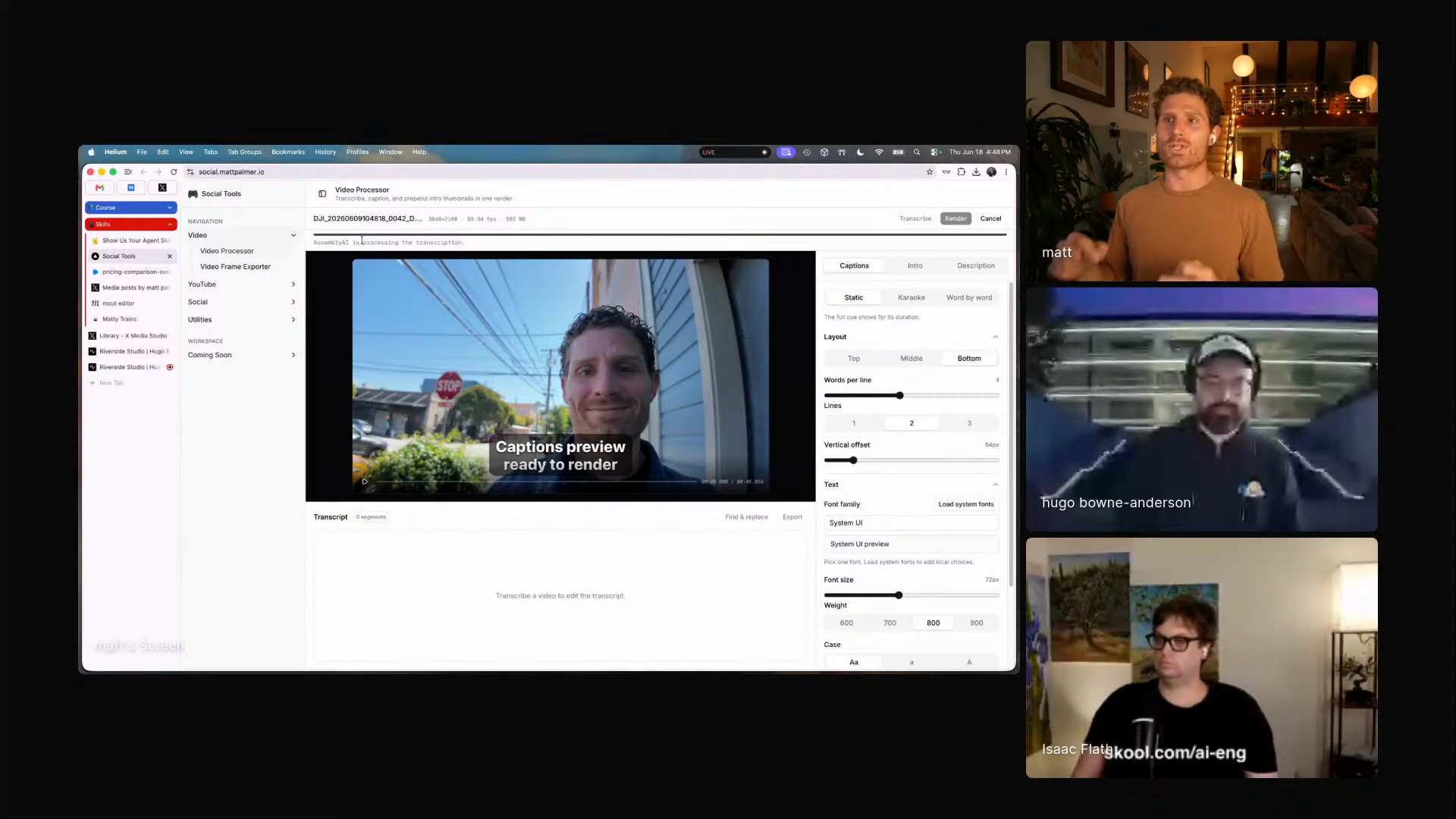
The social tools dashboard rips audio with MediaBunny, compresses it, sends it to AssemblyAI, builds captions and thumbnails, and renders the video without server-side FFmpeg. 00:45:14

THE VIDEO TIMELINE HAS AN API

Matt's video tools begin as a browser dashboard for his own content. It takes walking videos, extracts audio in the browser, gets transcripts from AssemblyAI, makes thumbnails, applies caption presets, and renders output for social platforms.

Then he pushes the same direction further with Remotion overlays and MCut. Remotion gives him code-generated graphics for videos. MCut turns the browser into a real editor with tracks, captions, keyframes, local transcription, and an MCP server.

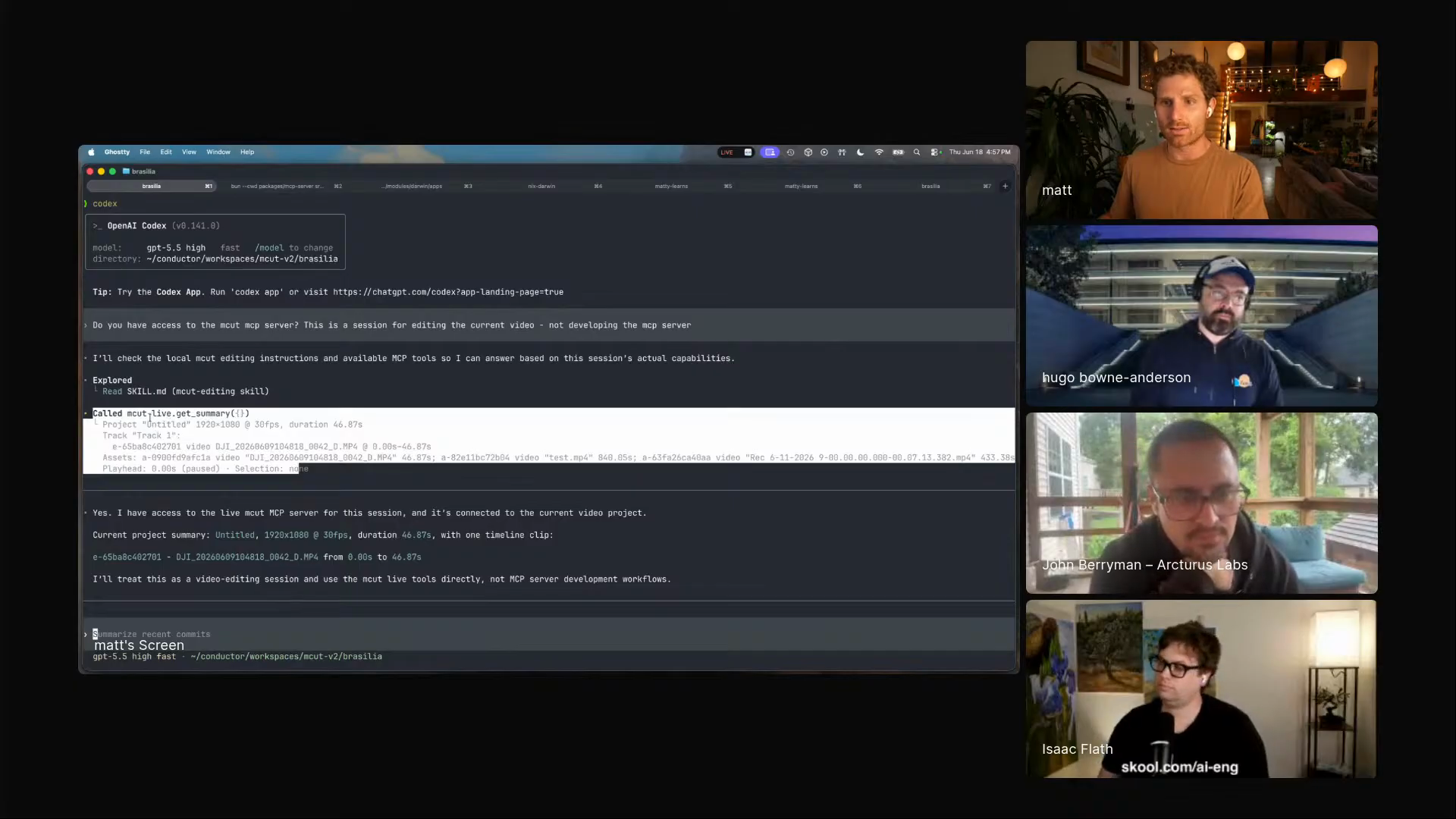
Through the MCP bridge, Codex can ask MCut for a live summary, inspect the timeline, see timestamps, trigger transcription, and prepare edits against the same browser session a human is using.

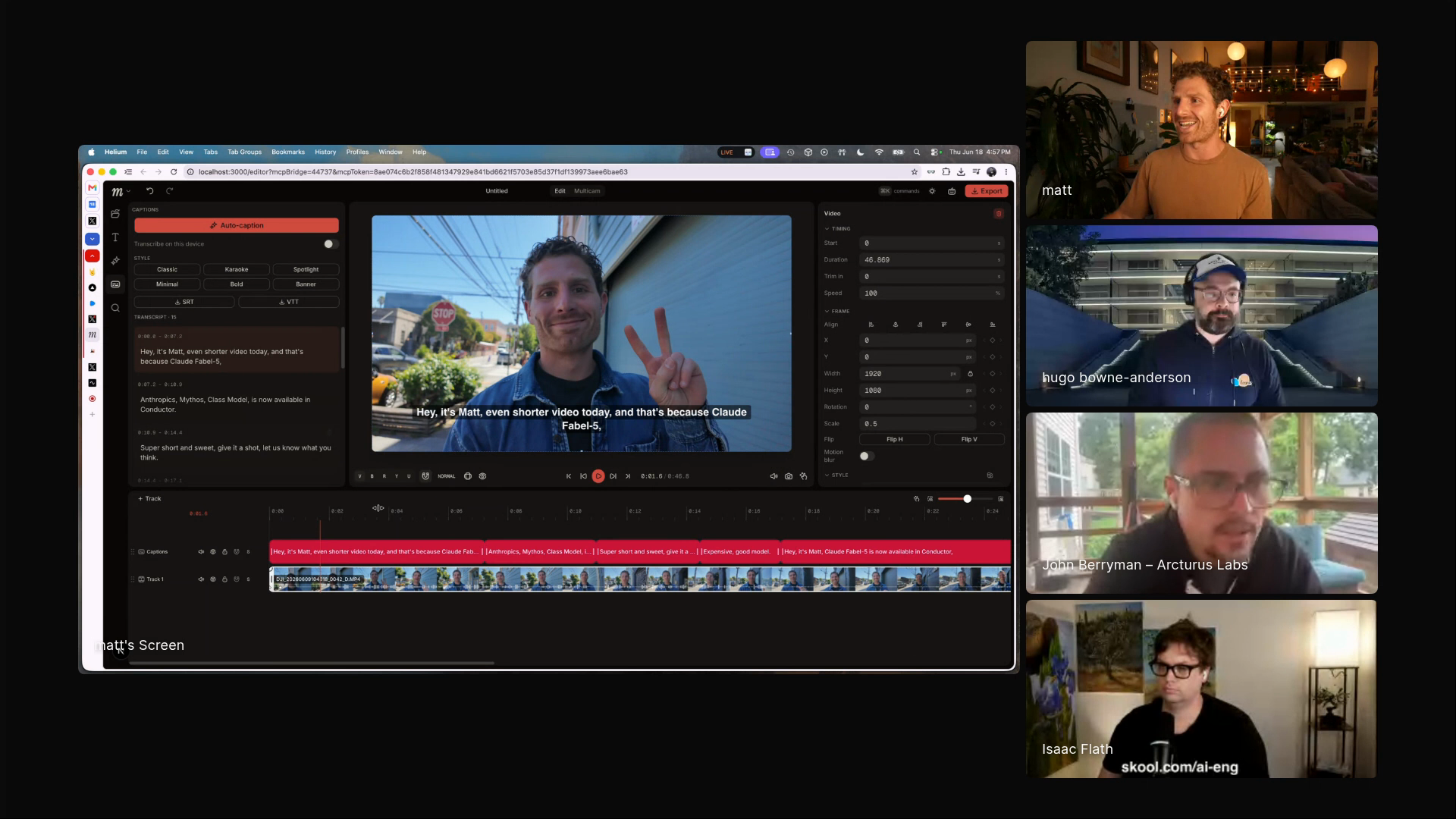
MCut browser video editor with captions, tracks, transcript, and timeline controls
MCut on stream: a browser video editor with timeline state exposed to agents through MCP. [00:54:12]

"I have a professional video editor making stuff for me, but it's really just AI and code."

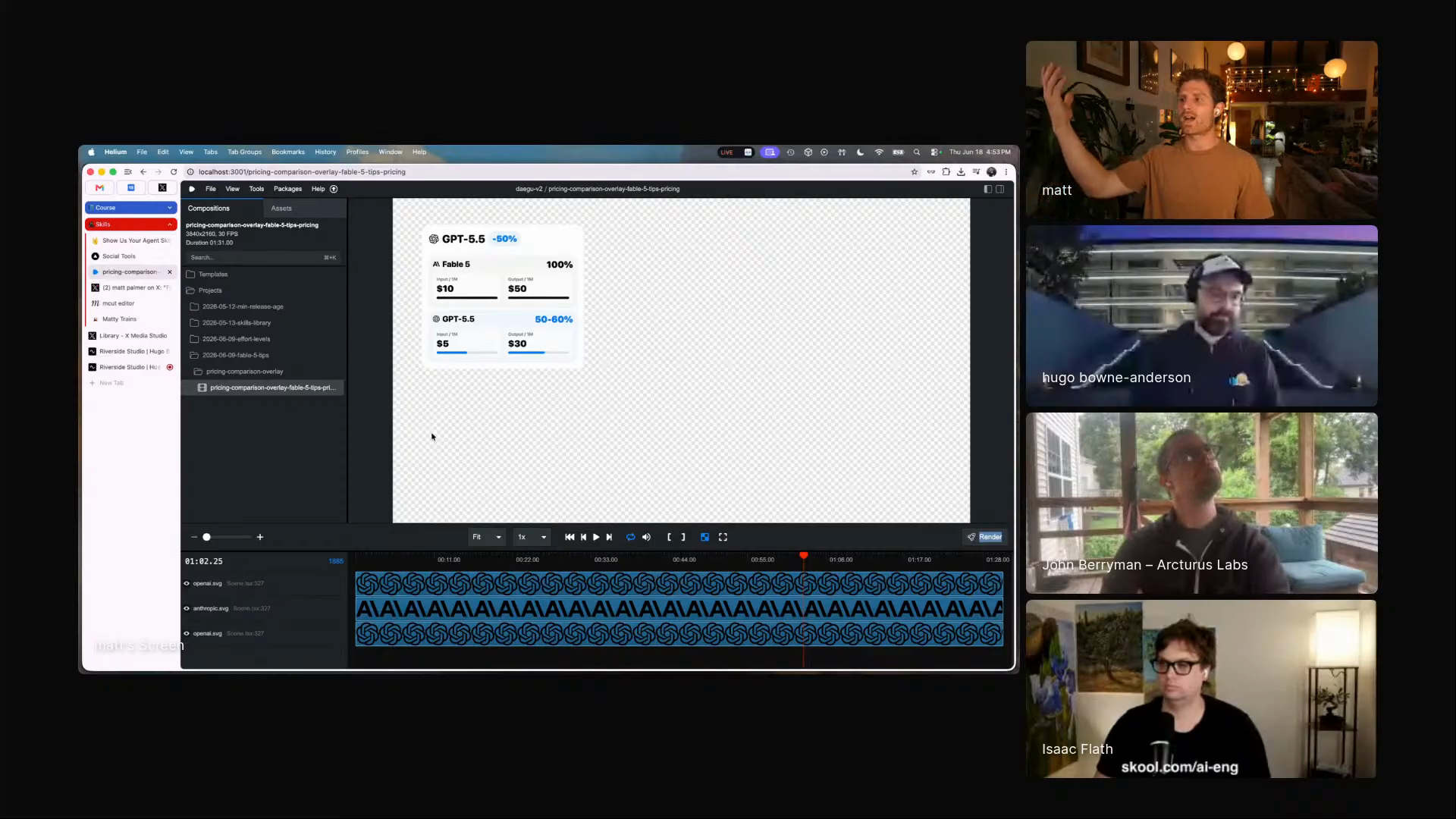
Matt's Remotion overlay project gives the agent a production job: find the moment in a transcript, write the graphic layer, and hand him a transparent MOV for the edit. 00:51:04

FROM CLIP TO AGENT-EDITABLE

browser media, code overlays, timeline state, transcript-aware edits
Process the raw video in the browserMediaBunny extracts and handles media locally; AssemblyAI returns the transcript in seconds. 00:45:14
Generate thumbnails and captionsThe social dashboard templates frames, positions captions, applies presets, and renders shareable output. 00:44:18
Create overlays as codeA Remotion project in Conductor turns transcript context into transparent MOV graphics for the main edit. 00:51:04
Expose the editor through MCPMCut gives Codex tools such as live summary, timeline inspection, and transcription triggers. 00:54:04
Let the agent see timestampsThe agent can inspect tracks, transcript, and video timing before proposing edits. 00:54:20
Ask for transcript-driven cutsMatt wants to say: add jump cuts from the transcript across screen, camera, and side-by-side tracks. 00:55:31
Matt's browser video processing dashboard using MediaBunny and AssemblyAI
The social tools dashboard: browser processing, captions, thumbnails, presets, and rendering for Matt's own content workflow. [00:45:14]
A Remotion overlay generated as code for Matt's video workflow
Remotion overlays run as a Conductor project: transcript in, generated graphics out, transparent MOV dropped onto the edit. [00:51:04]
Codex reading MCut timeline state through the MCut MCP summary tool
MCut's MCP summary gives the agent the active video state, so editing can move from generated files toward shared control over the timeline. [00:54:20]

"I like just writing slash thermonuclear code quality review in my projects."

Matt invokes the dramatic Cursor skill when he wants a hard code-quality pass for spaghetti code and thousand-line files. 01:42:24

THE SKILLS HE KEEPS CLOSE

skills he installs where they belong, then improves when they miss
workflow

personal-tools-that-dont-die

Nix-managed setup, Conductor projects, worktrees, and private skills make personal software maintainable after the first version.

workflow

agent-editable-video-timelines

A browser video editor exposes tracks, captions, transcript, and timestamps through MCP so an agent can edit against the live timeline.

skill

formatting-notion-pages

A Notion MCP augmentation that tells the agent Matt's preferred callouts, toggles, tables, colors, and page structure.

skill

writing-revision

A writing skill with separate references for general and technical writing, grounded in Williams and Bizup's sentence-level clarity advice.

skill

project-planning

A private-library skill for shaping project work before implementation, installed only into repos where it belongs.

repo practice

skills.sh private installs

Install the private skill hub into a project, then push useful project skills back into that hub after they prove themselves.

"I intentionally avoid doing global skills, because I feel like that kind of pollutes your context."

Pull the skills this repo needs. Leave the rest outside the prompt. A private hub gives him portability without permanent context clutter. 01:39:07

TEAM TRAIN, TEAM ORCHESTRA

Matt, Conductor, and the office debate behind the name
Matt came in on Team Train. Two Conductor videos later: "I think I'm partial to the orchestra video." [00:35:56]